The Ideal Email Infrastructure Setup for Cold Email Campaigns in 2026
Scaling outreach without burning domains requires smart architecture. Here is how to configure secondary domains, tracking links, and DNS records.
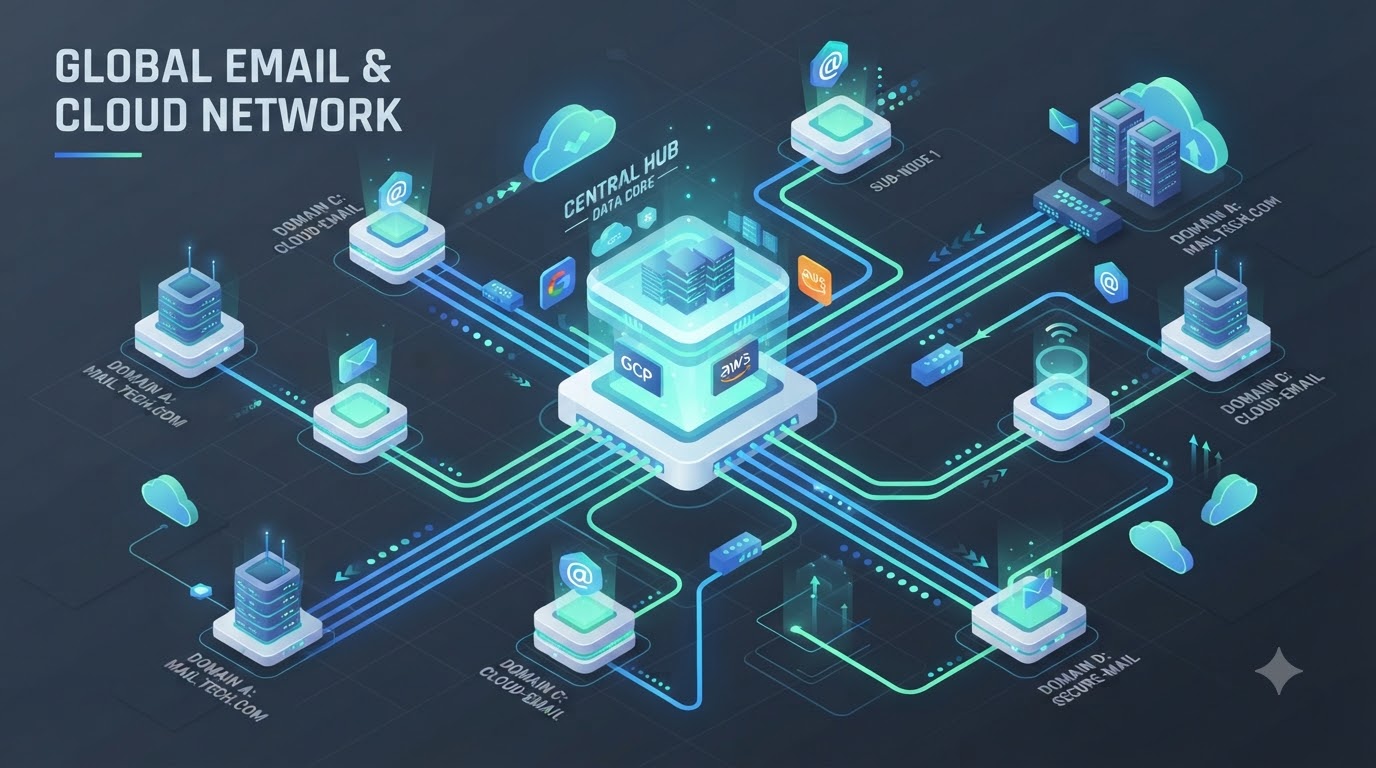
The Ideal Email Infrastructure Setup for Cold Email Campaigns in 2026
Cold email outreach remains one of the highest-ROI channels for B2B lead generation. However, in 2026, mailbox providers like Google Workspace, Microsoft 365, and Yahoo have implemented strict AI-driven spam filters.
Sending outreach campaigns directly from your primary business domain (e.g., company.com) is a dangerous mistake that can ruin your company's day-to-day corporate communication.
Here is the blueprint for setting up a bulletproof, scalable email infrastructure built for high inbox placement.
1. Use Secondary Domains (Never Burn Primary Domains)
Never send cold email campaigns from your core company domain. If your primary domain gets flagged, your internal emails to team members and clients will end up in spam.
- Primary Domain:
company.com(Used strictly for 1-on-1 sales, billing, internal work). - Secondary Domains:
trycompany.com,getcompany.com,usecompany.com.
Rule of Thumb: Limit each secondary domain to a maximum of 2 to 3 mailboxes, and send no more than 30 to 50 emails per mailbox per day.
2. Set Up Custom Tracking Domains
Most outreach platforms (Instantly, Smartlead, Lemlist) use shared tracking domains to record open rates and link clicks. If another user on that shared domain sends spam, your deliverability suffers.
- Always set up a Custom Tracking Domain (e.g.,
track.trycompany.com) via a CNAME record pointing to your outreach tool. - Ensure SSL/TLS is enabled on your custom tracking domain.
3. Mandatory DNS Authentication Baseline
Your secondary domains must pass 100% authentication checks before you send a single email:
- SPF (Sender Policy Framework): Authorizes the specific IP or platform allowed to send on your behalf.
- DKIM (DomainKeys Identified Mail): Attaches a cryptographic digital signature to every outbound email.
- DMARC (Domain-based Message Authentication): Set your initial policy to
v=DMARC1; p=none;and work up top=quarantineonce aligned.
4. The 14-Day Mailbox Warmup Protocol
New domains have zero sender reputation. If you send 100 emails on day one, algorithms will immediately flag your domain.
- Days 1–7: Send 5–10 automated warmup emails daily with high reply rates.
- Days 8–14: Scale up to 20–30 daily warmup emails.
- Day 15+: Begin actual cold outreach at a low volume, gradually increasing.
5. Continuous Infrastructure Health Monitoring
An ideal setup isn't static. DNS records break, warmups get interrupted, and IPs fall onto blacklists.
Using MXSentin, outreach agencies and sales teams can monitor hundreds of secondary domains from a single dashboard—getting real-time notifications the moment an SPF record breaks or a domain hits a blacklist.
Written by Abhinay
Founder & Email Infrastructure Engineer at MXSentin
Passionate about email deliverability, server infrastructure, and building high-performance systems. Helping founders and agencies protect their domain reputation.